A Review Of The Epomaker Glyph Typewriter Mechanical Keyboard
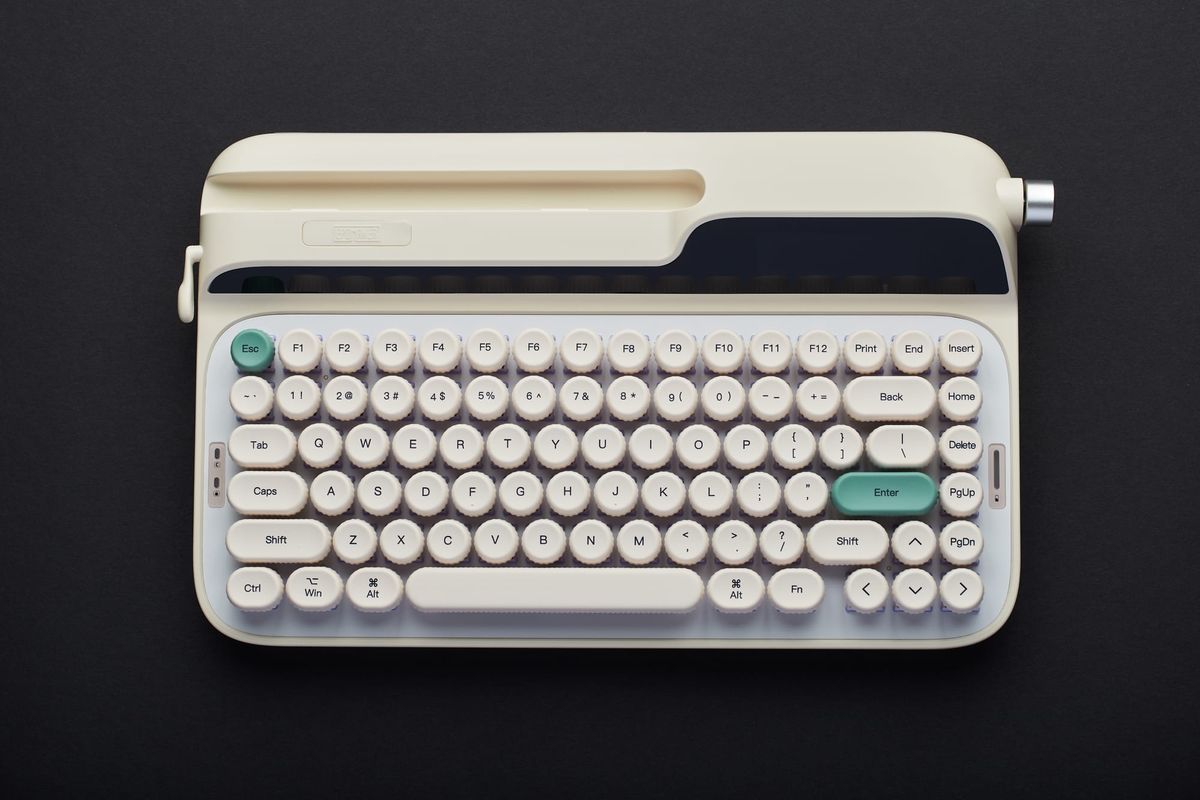
The Epomaker Glyph really does deliver on its promise of a classic typewriter experience with all of the accoutrements that make modern mechanical keyboards such a joy to use.

Decaf Journal is reader-supported. When you buy links through our site, we may earn an affiliate commission.
Amidst the bombardment of vertical video reels and short form social media content that we're endlessly subjected to these days, the ability to write well is quickly becoming a lost art. Yet, consider for a moment that the very act of writing is the ability to think critically. It is the process of putting your thoughts into a coherent structure onto the page, and if your life is full of constant distractions it can be a difficult skill to become proficient in.
So when it comes to writing to the best of my ability, I've found using high quality tools that inspire me to be essential. Whether that's the smooth sensation of writing by hand with a Uniball Jetstream RT pen, the nostalgic precision of a freshly sharpened Faber Castell 9000 graphite pencil, or the understated Midori MD notebooks which lie perfectly flat on a desk, sometimes you just need any advantage you can get. It's true that Jerry Seinfeld famously used only a blue BIC pen and yellow legal pad of paper to write every episode of his iconic TV series, but for most of us I'd argue that using tools that help spark creative work do indeed matter to at least some degree.
Even more so, when I read about how some of the greatest writers of the twentieth century such as Ernest Hemingway and Arthur C. Clarke made use of the typewriter to create many of their greatest works, I can't help but hold it in high regard. Typewriters certainly interest me from afar, but the modern computer is a productivity miracle that I'm not prepared to abandon anytime soon.
This brings me to the Epomaker Glyph, which is a mechanical keyboard that potentially bridges the gap between the classic typewriter that many authors long for, and the quality-of-life conveniences that modern technology affords us. So with this in mind, let's explore whether this device is merely a stylistic gimmick, or if perhaps it's able to satisfy the desire for an authentic typewriter experience.
Build Quality & Design
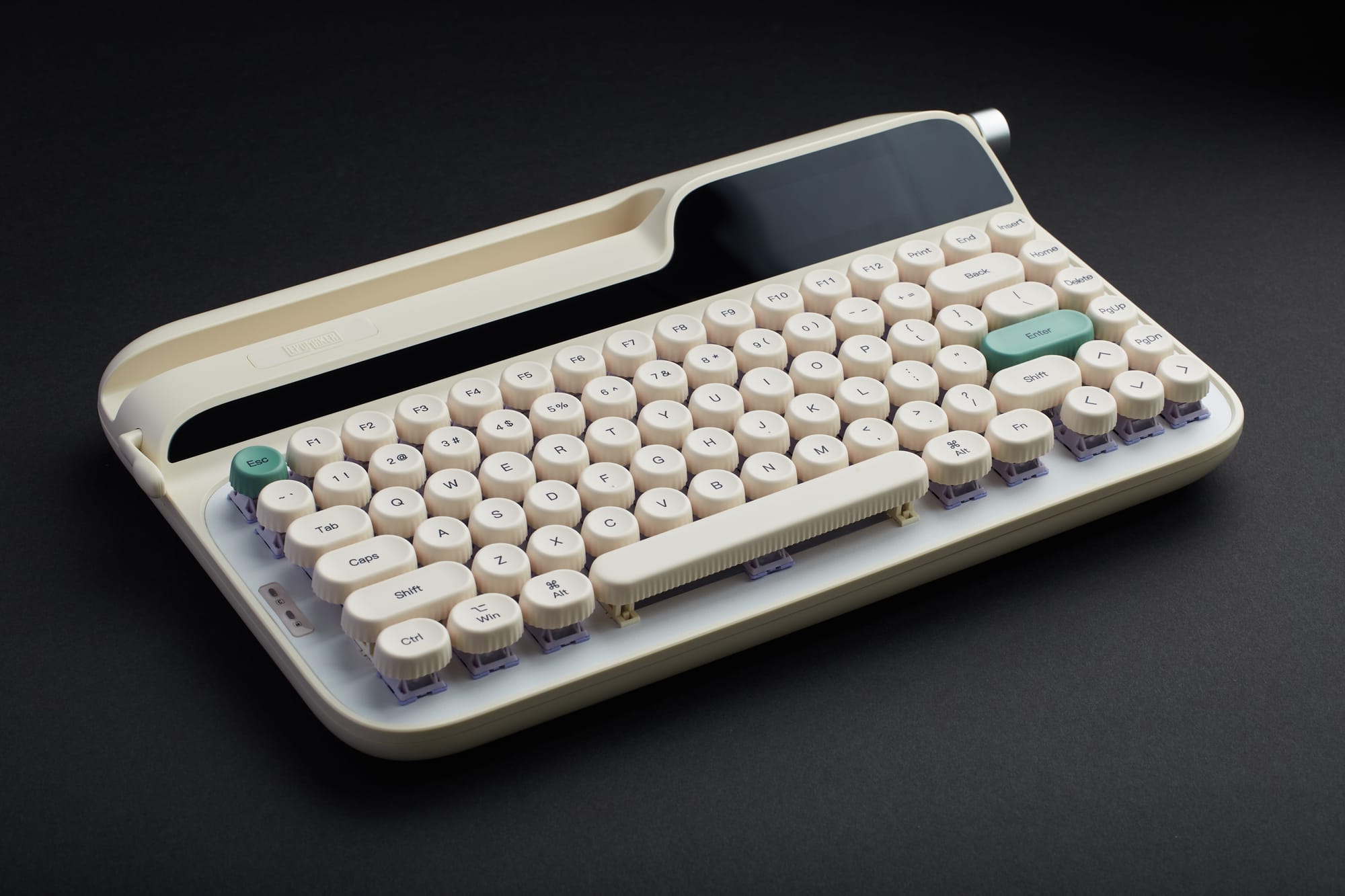
The Epomaker Glyph is a 75% layout typewriter style keyboard with 83 keys. One of the first things you'll notice is that it's quite large for a 75% layout keyboard given that it measures in at 34.7 x 20.7 x 5.7 centimeters, but its weight is well balanced for its size at 1.17 kilograms. The construction has a reassuringly solid finish with high quality plastics, an aluminum plate, and tightly assembled components. While they've all been great, this is definitely one of the best feeling Epomaker keyboards I've used so far.
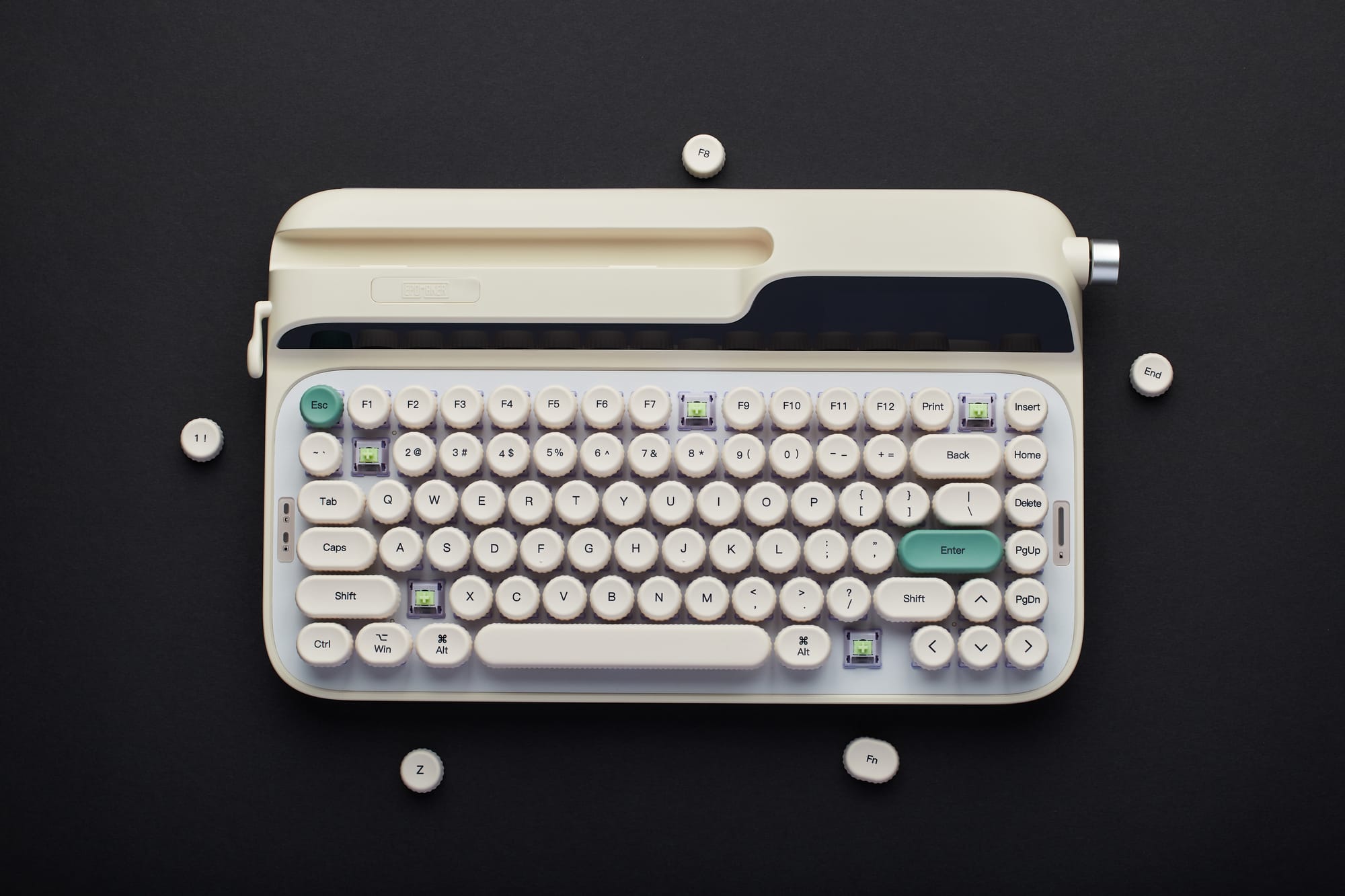
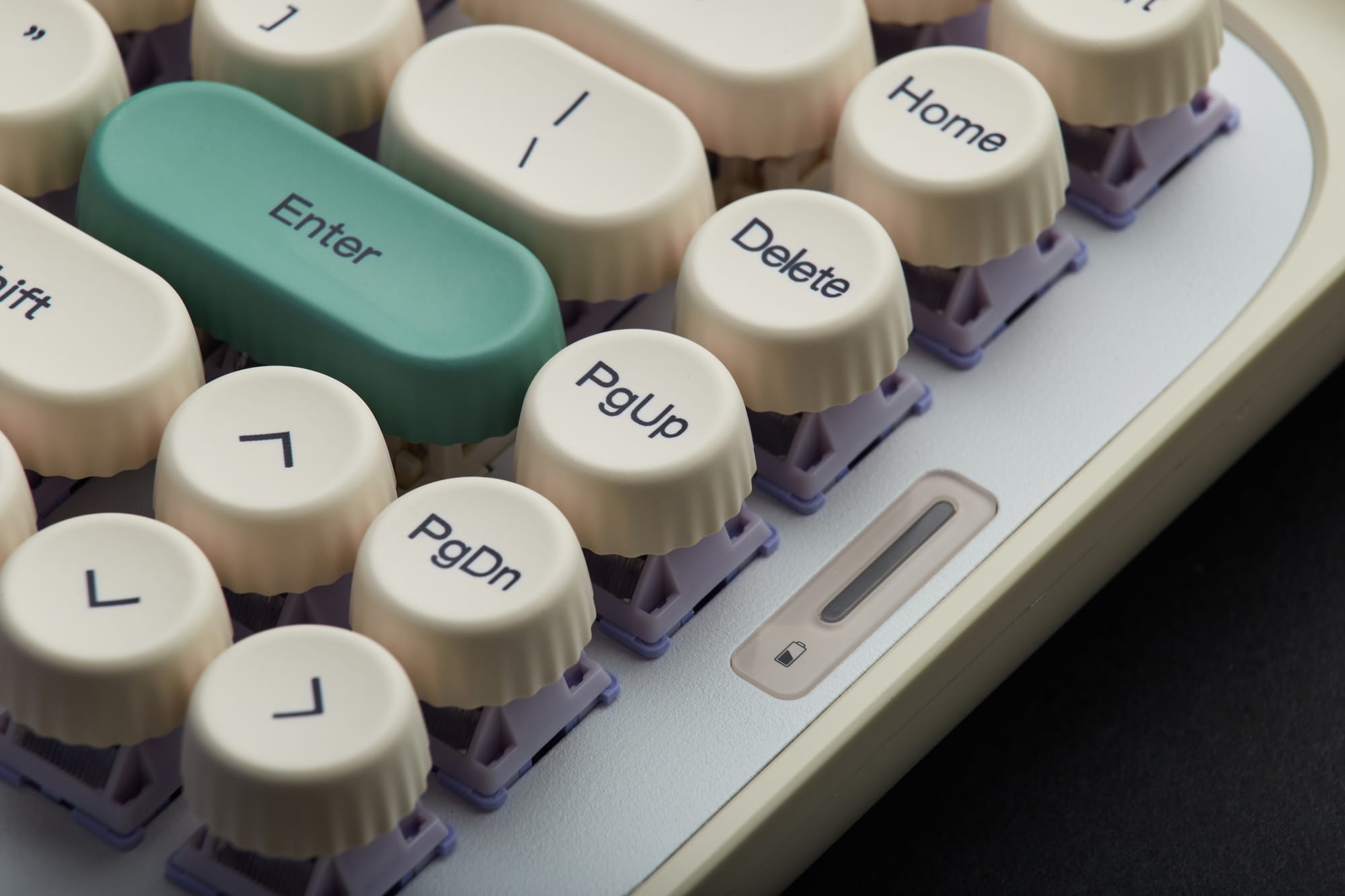
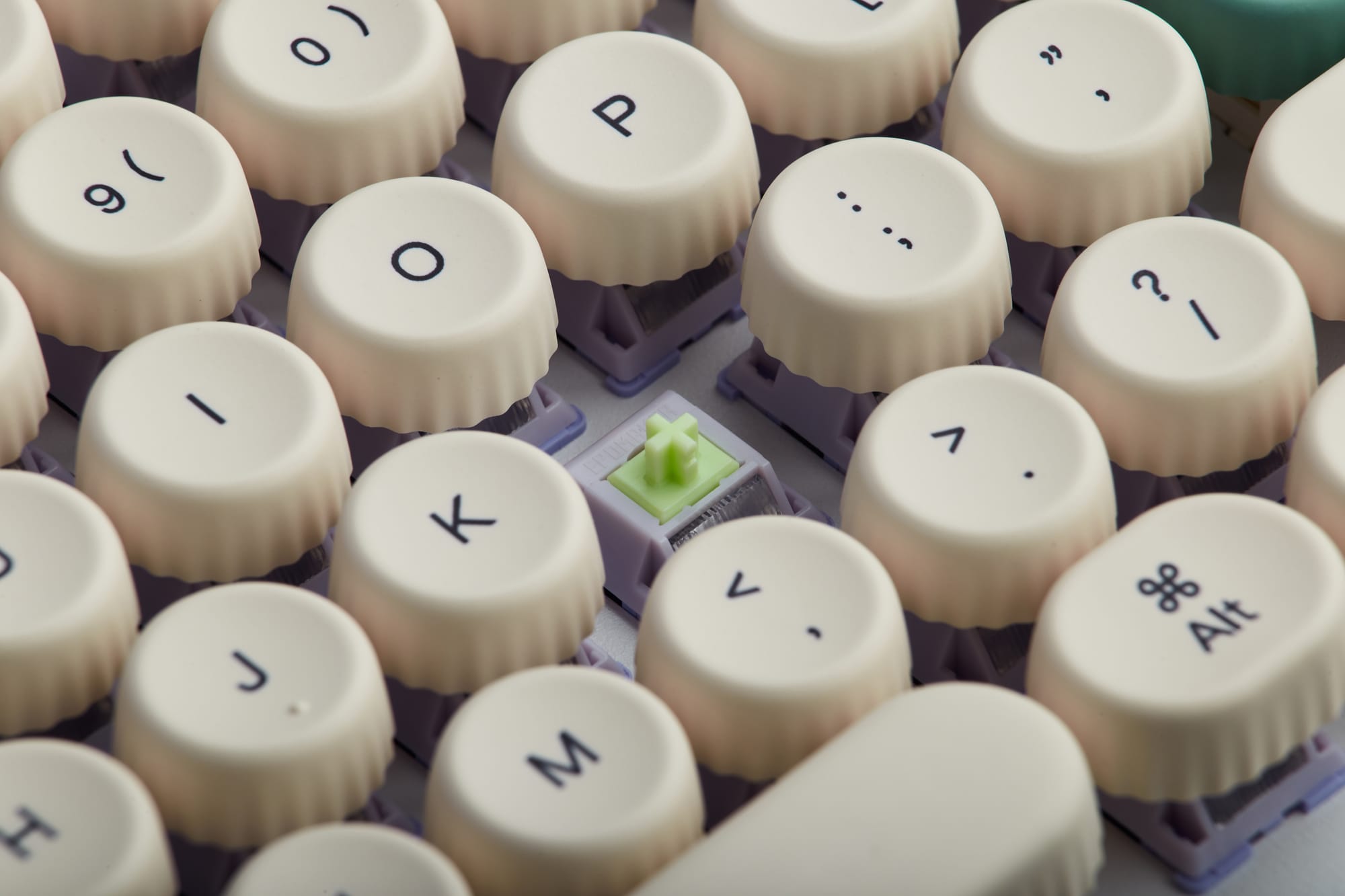
The PBT plastic keycaps have been manufactured using the industry standard dye sublimation technique, which promises both long lasting durability and legibility of the lettering on each key. What's special about these keycaps however, is that unlike other modern keyboards, these ones are rounded, and their spherical, moderately concave design is a perfect ergonomic match for human fingertips.
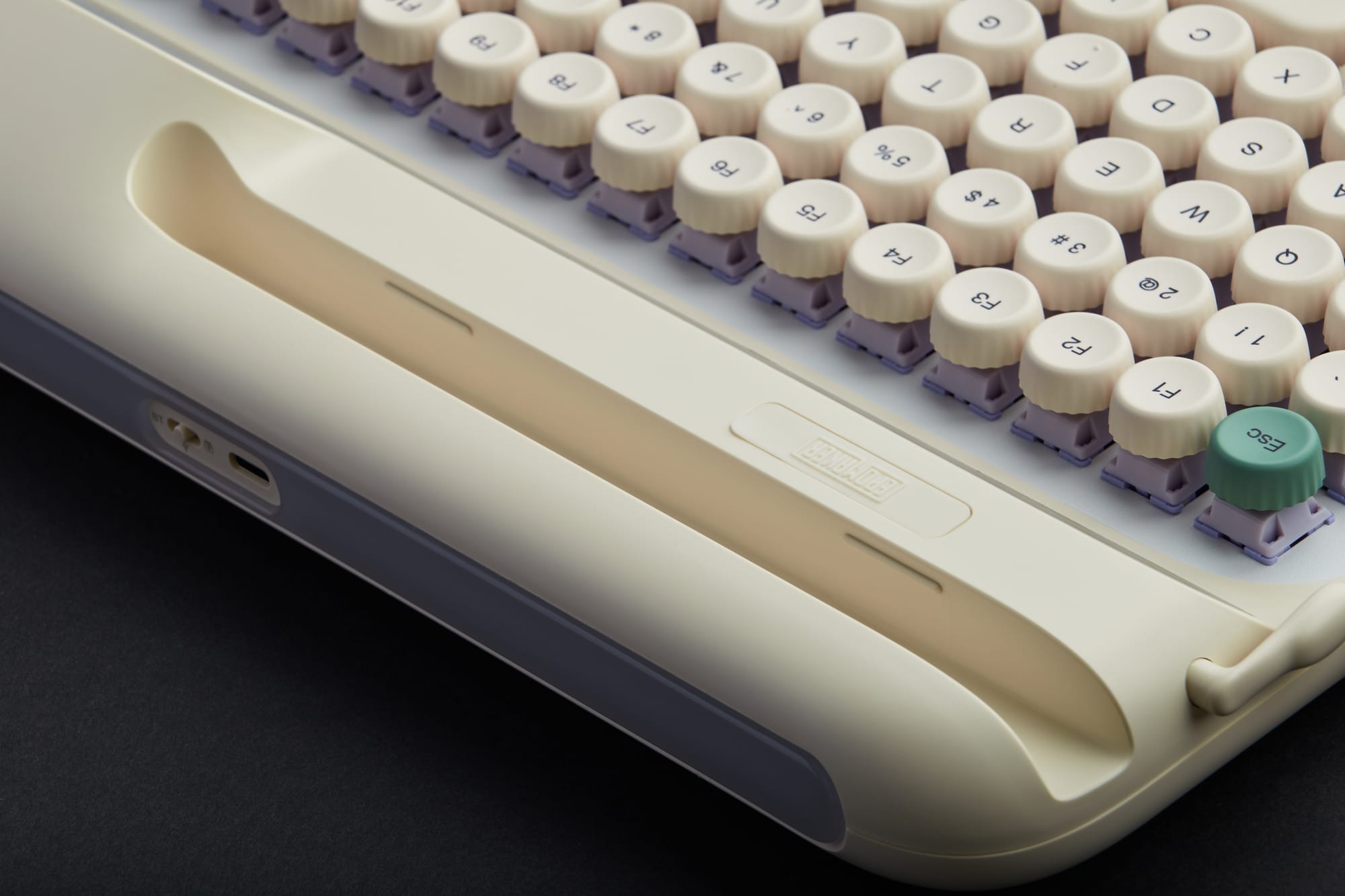
The Epomaker Glyph comes equipped with Wisteria V2 switches, which are simply top-notch in terms of their tactile feedback and the satisfying sounds they emit when typing. While I find their noise level to be well-suited for home use, if you're in a shared office space I'd recommend Epomaker's equally excellent, but much quieter Sea Salt Silent V2 Switches that I tested out on the Th99 Pro. And thankfully, you can change out the switches with ease since the Glyph keyboard is of the hot-swappable PCB variety.
With its design being a notable departure from other mechanical keyboards, the Glyph includes a few interesting elements not found on other models. For instance, the top of the keyboard sports a slot for a phone or tablet so that you can use them wirelessly via Bluetooth for an all-in-one typewriter experience. Additionally, on the left hand side of the keyboard you'll find a nostalgic return level which acts as an alternative Enter button. While it's a nice nod to the typewriters of old and fun to use, I do find this to be the Glyph's main weak point in that it doesn't seem nearly as robust as the rest of the keyboard.
Rounding out the noteworthy aspects of the Glyph's design are the dedicated storage slot for the 2.4GHz wireless dongle on the underside of the keyboard, as well as the addition of user replaceable silicone stands that allow you to adjust the typing angle on the fly. These subtle improvements elevate the overall user experience and show that Epomaker really put some critical thought into how people will be using this device on a daily basis.
Features & User Experience
As with all of the previous Epomaker keyboards I've used, the Glyph allows for three different ways of connecting the device to a computer. These options consist of the standard wired USB-C connection, as well as wireless Bluetooth and 2.4GHz options. And fortunately once again, in my testing I found no perceptible lag time with any of the three options.
When connecting it to my computer via Bluetooth for the first time, my Apple MacBook Air immediately detected the keyboard once I switched it to Bluetooth mode, and I didn't have to perform any specific button presses; it simply connected instantly. Speaking of using the keyboard with Bluetooth enabled devices, it was also a straightforward process to connect it to my Mudita Kompakt e-ink phone, and it worked surprisingly well. In order to make the connection, I just had to press and hold the FN + Q buttons on the keyboard for a couple of seconds and it was quickly recognized by my phone.
This brings me to the tablet / phone slot, which is perfect for working on the go or at night in instances when you want to avoid using a computer. This is a seemingly minor feature that can actually have a big impact on productivity and overall well-being. For example, I've been using it to type in the evenings using portable e-ink devices such as the Boox Palma 2 Pro because they don't emit any blue light, and therefore don't interfere with my sleep.
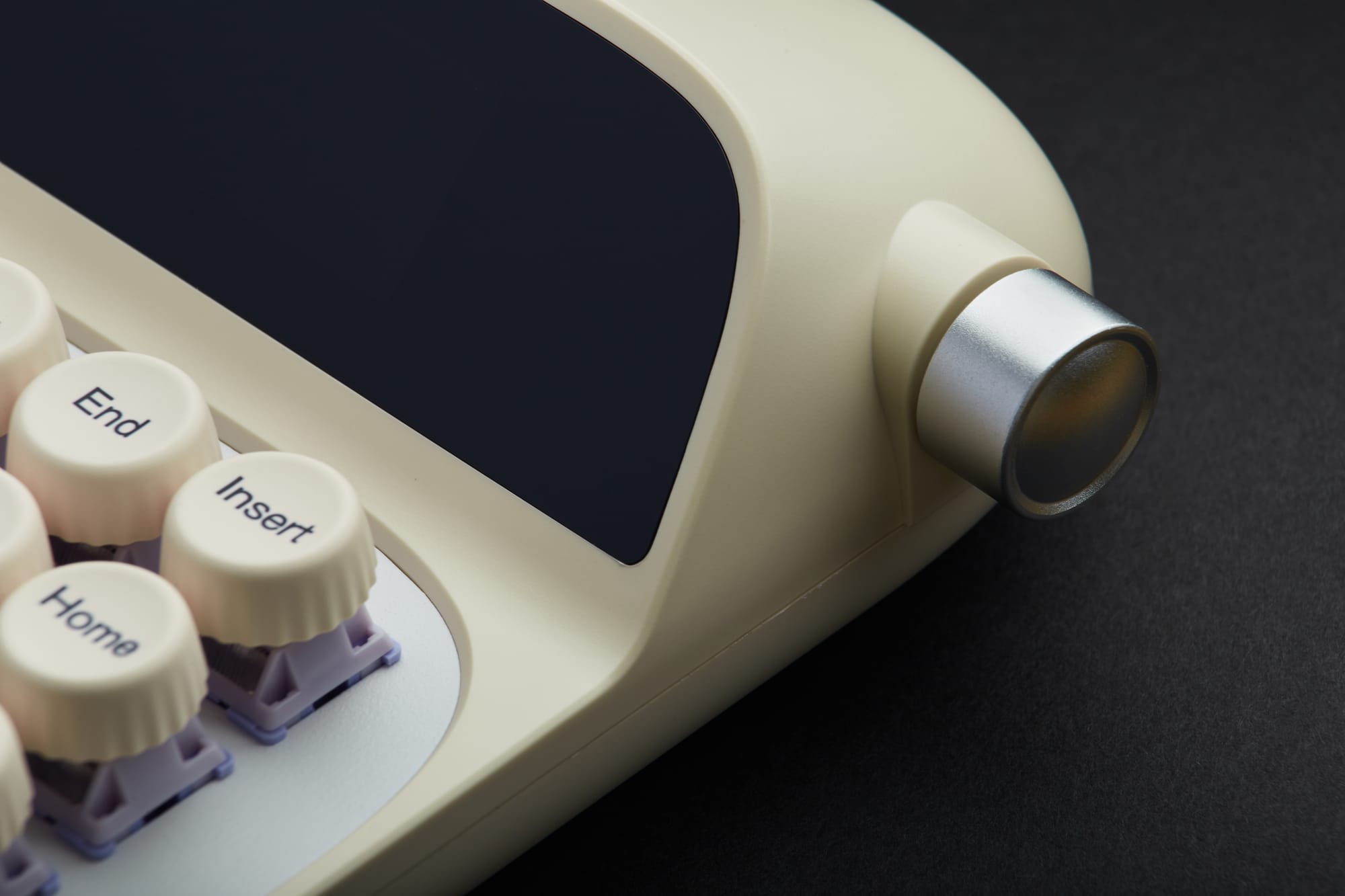
The luxuriously large display window that spans across the entire keyboard shows the month/day/year, as well as the time, current connectivity mode, power level, and whether Windows or Mac mode is enabled. You can also replace these indicators with a GIF of your choosing quite easily using the supplied driver software (more on this in a moment).
Just as on the RT100 Pro that I reviewed previously, the Glyph retains the excellent ergonomically placed control knob on the right hand side of the keyboard which adjusts volume in smooth clicking increments. You can even pause your songs by pressing the control knob inwards.
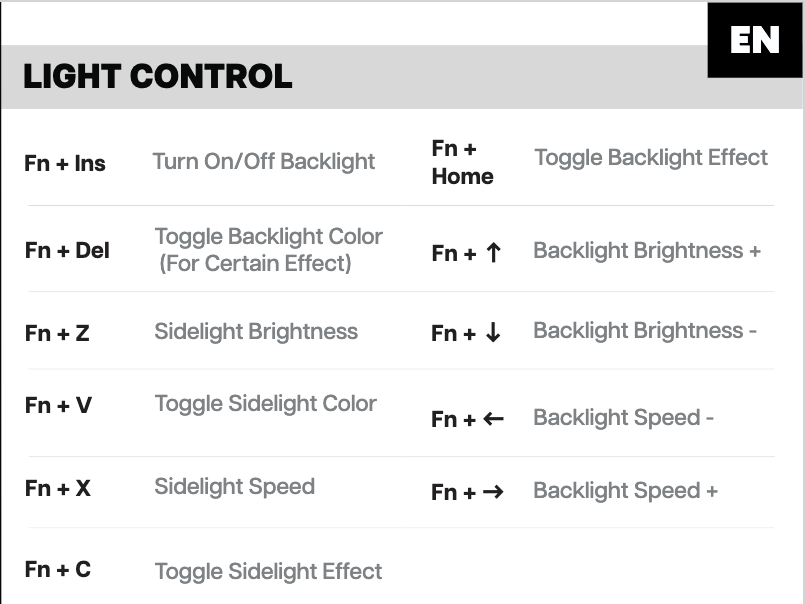
The Glyph features RGB lighting both underneath the keys and on the unique horizontal bar at the back of the keyboard. It also offers full control of the lighting effects with several easy to implement options for customization as you can see here:
On the software side of things, the Glyph uses the same driver application as many other Epomaker keyboards including the RT100 Pro. It works fairly seamlessly for remapping keys and I've noticed that it's been improved with every subsequent update that Epomaker has released. In this most recent instance, when I wanted to update the date and time, it was done for me automatically as soon as I opened the application on my computer. How thoughtful. 🙂
Given that the Epomaker Glyph truly is a typewriter style device and not a standard keyboard, typing with it has admittedly taken me a bit of getting used to. At times I've found myself pressing the wrong keys inadvertently, and perhaps this is due to the more compact physical arrangement of the keys. While I did need to be a bit more careful not to make spelling mistakes when using it initially, I was able to adapt to the new layout fairly quickly.
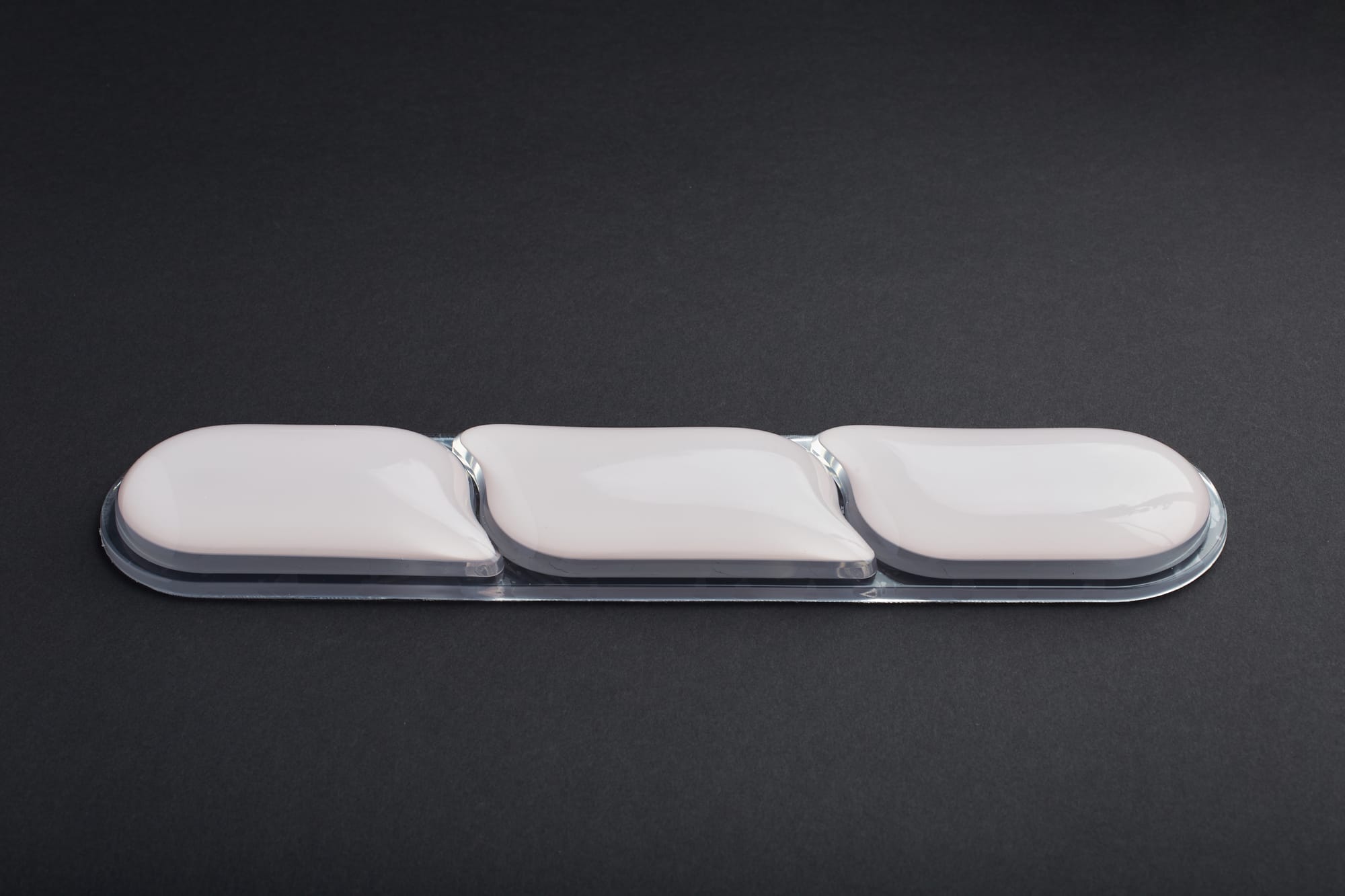
The overall writing experience with the Glyph however, is nothing short of delightful. The switches feel and sound incredibly satisfying, while the sensation of the rounded keycaps seems almost as if they're gripping your fingertips. I haven't noticed any hand or wrist strain during use, but Epomaker has also included a cushioned wrist rest in the box to alleviate any potential ergonomic concerns.
© Nicklaus Walter
Pros
- Beautiful typewriter styling
- High-quality construction
- Wisteria V2 switches provide excellent tactile feedback and sound
- Rounded keycaps feel delightful
- Tablet / phone slot is an incredible addition that has the potential to enhance your productivity
- Nicest display implementation I've seen so far with date / time
- No perceptible lag when using wireless Bluetooth or 2.4Ghz connections
- Large capacity 8000mAh battery
- Epomaker driver software has continuously improved over time
Cons
- Return lever doesn't feel as well-built as the rest of the keyboard
- Traditional typewriter layout may take some time for some users to get used to
Verdict
The Epomaker Glyph really does deliver on its promise of a classic typewriter experience with all of the accoutrements that make modern mechanical keyboards such a joy to use. While there was an initial learning curve for me when adapting to the more compact typewriter style layout and the return lever doesn't quite match the rest of the premium build, there's honestly very little to find fault with here.
With seamless wireless connectivity to practically any Bluetooth enabled device, attractive aesthetics, a phone / tablet slot that allows you to create a standalone writing system, and the superb tactile feedback of the Wisteria V2 switches & rounded keycaps, the Epomaker Glyph is undoubtedly a premium typing device that ticks essentially all the boxes that writers are looking for.